Translate the comic already on your screen
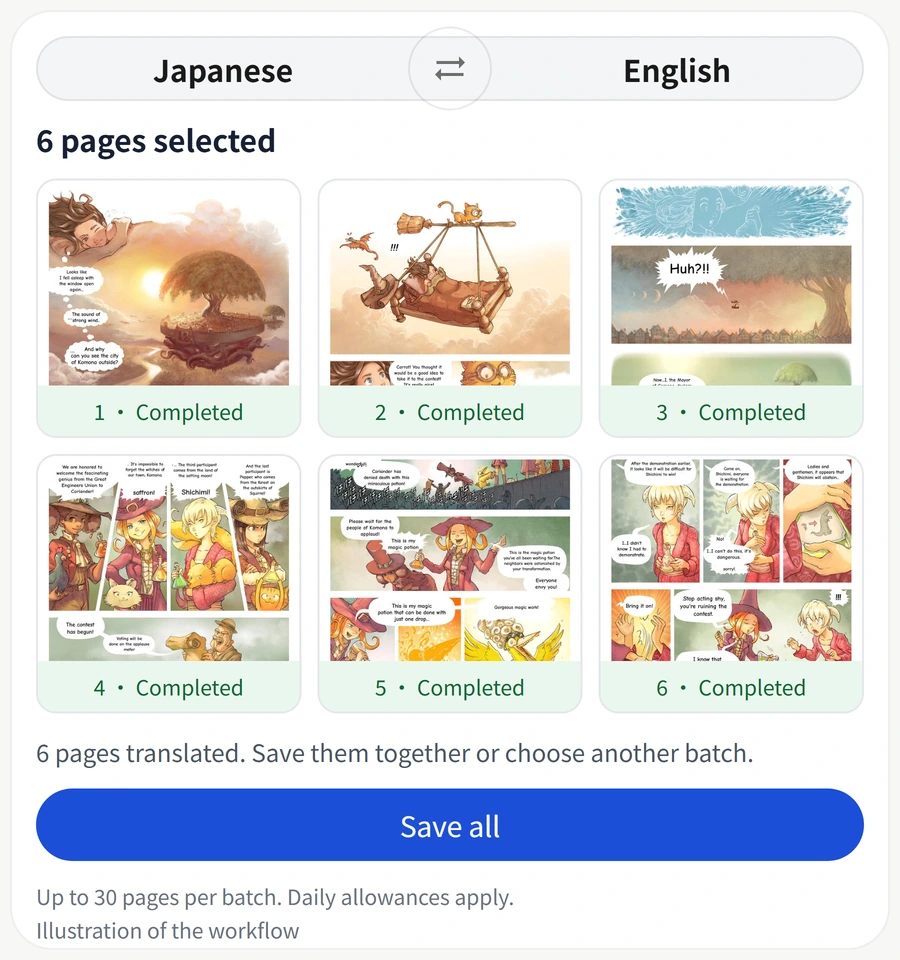
Switch the floating ball to Manga mode and tap it over your comic reader. The result displays an edited capture with translated words drawn into the speech bubbles. Pinch to zoom up to 4× and drag to read small text.
Change a translation before saving
Tap a translated block to inspect its text. To change words or text size, export the screen result to the editor. Save the edited image when you are happy with it.
Text direction and image quality
Comic recognition supports horizontal and vertical text. Bubble detection and background repair help place the translation inside the page. Small, blurred or unusually shaped text may need correction in the editor.